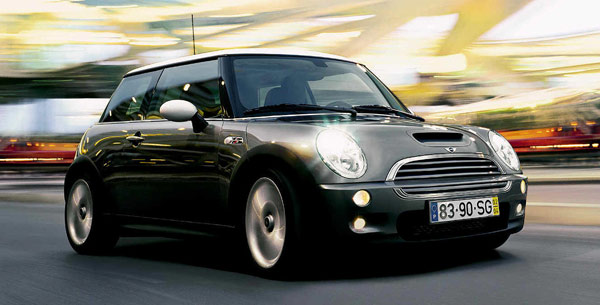
The lazy load script is a great way to save bandwidth and load your pages much faster. Images that are not visible on the initial page load are not loaded or downloaded until they come into the main viewing area. Once an image comes into view it is then downloaded and faded into visibility. Scroll down this page to see the script in action.
Setup is very easy! By default this script is disabled, in order to enable it simply choose All Images or Individual Images from the drop down, as shown below from inside the template configuration page.

All images will load every standard image on the page with lazy load. There is no extra configuration or extra code to add with this configuration, it will just happen automatically. Individual images would be used if you want only certain images to load with this script and not all of them. To do this simply add class=»s5_lazyload» to the image like so:
<img class="s5_lazyload" src="http://www.yoursite.com/image.jpg"></img>
This script is compatible with Firefox3+, IE8+, Chrome14+, Safari5.05+, Opera 11.11+
See the script in action: